App · Nyfurion

Two apps. One Realm.

Nyfurion Clash, the card game. Nyfurion, the official app with the dispatches, the 160 cards and the books. Both free.

Android · iPhone · Computer

01

Nyfurion Clash.

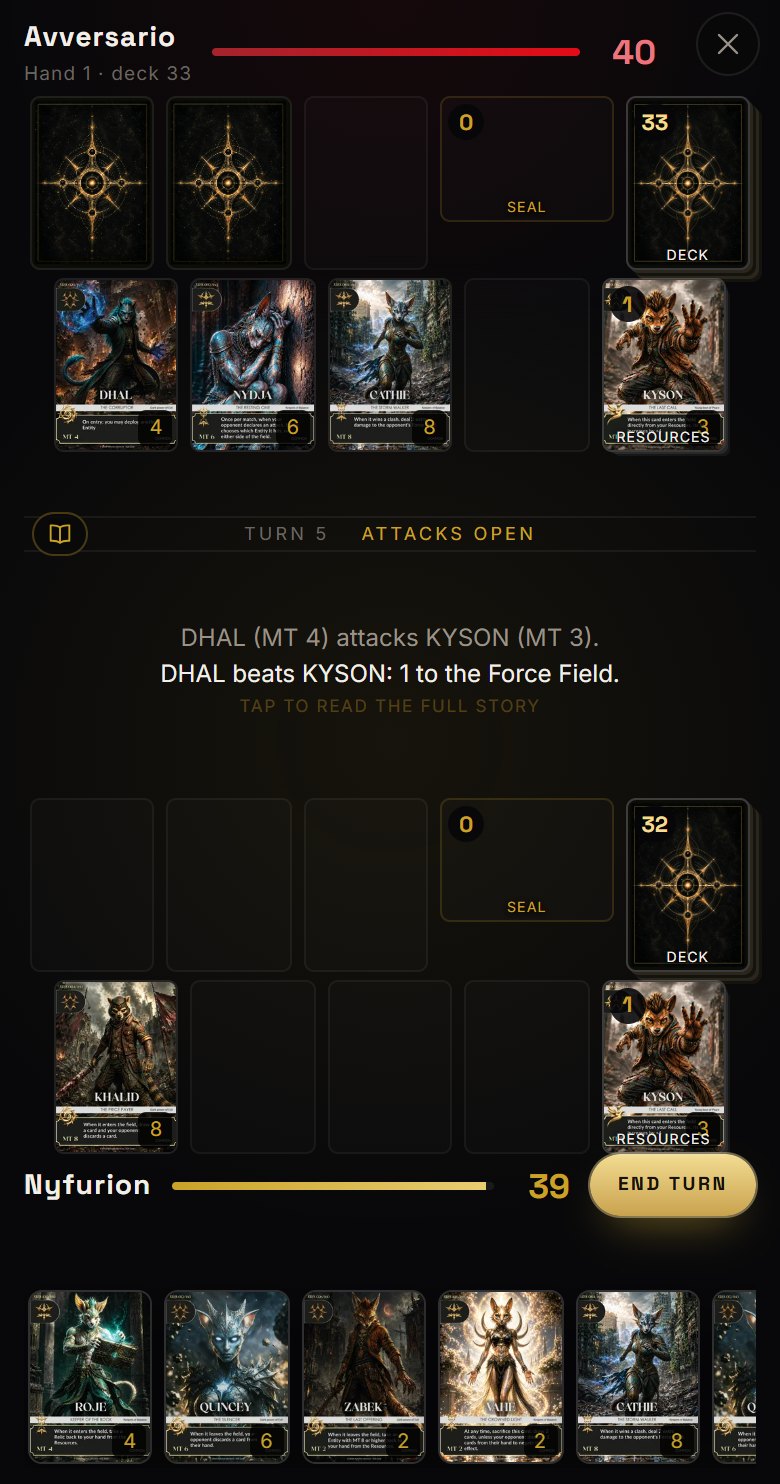
The card game of the Realm. This is the real game board, as you see it on your phone.
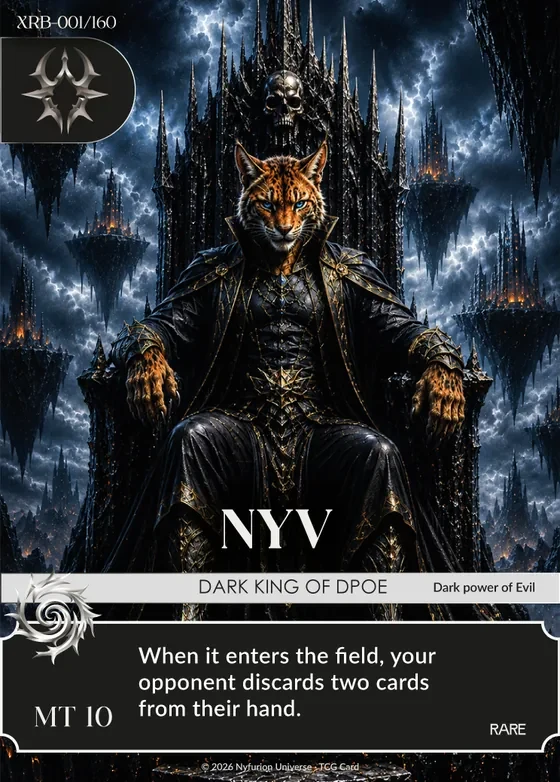
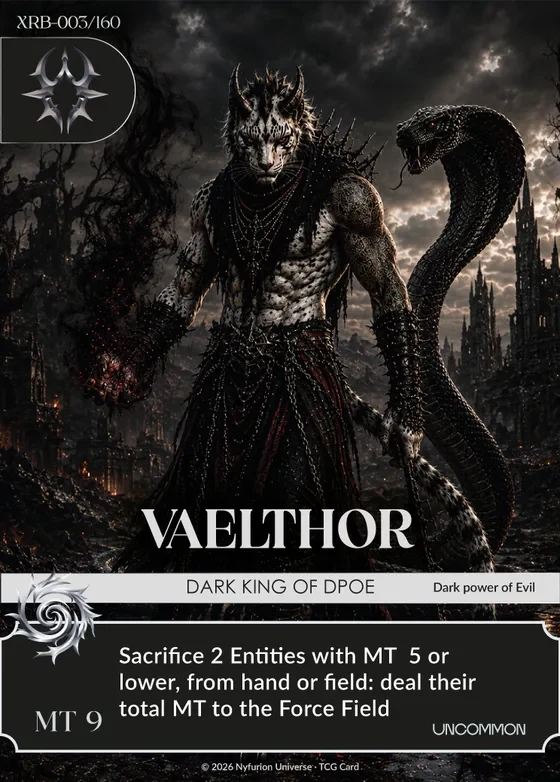
In game Nyv Zeld Vaelthor
Nyfurion Clash: the game board
Nyfurion ClashCard game · Free

160 cards, four houses, clashes against real players. Build your deck and take the board.

160Cards
4Houses
1 vs 1Online
FreeTo play

On iPhone and computer it installs straight from the browser: the steps and the rulebook are on the Nyfurion Clash page.

02

The Realm, in your pocket.

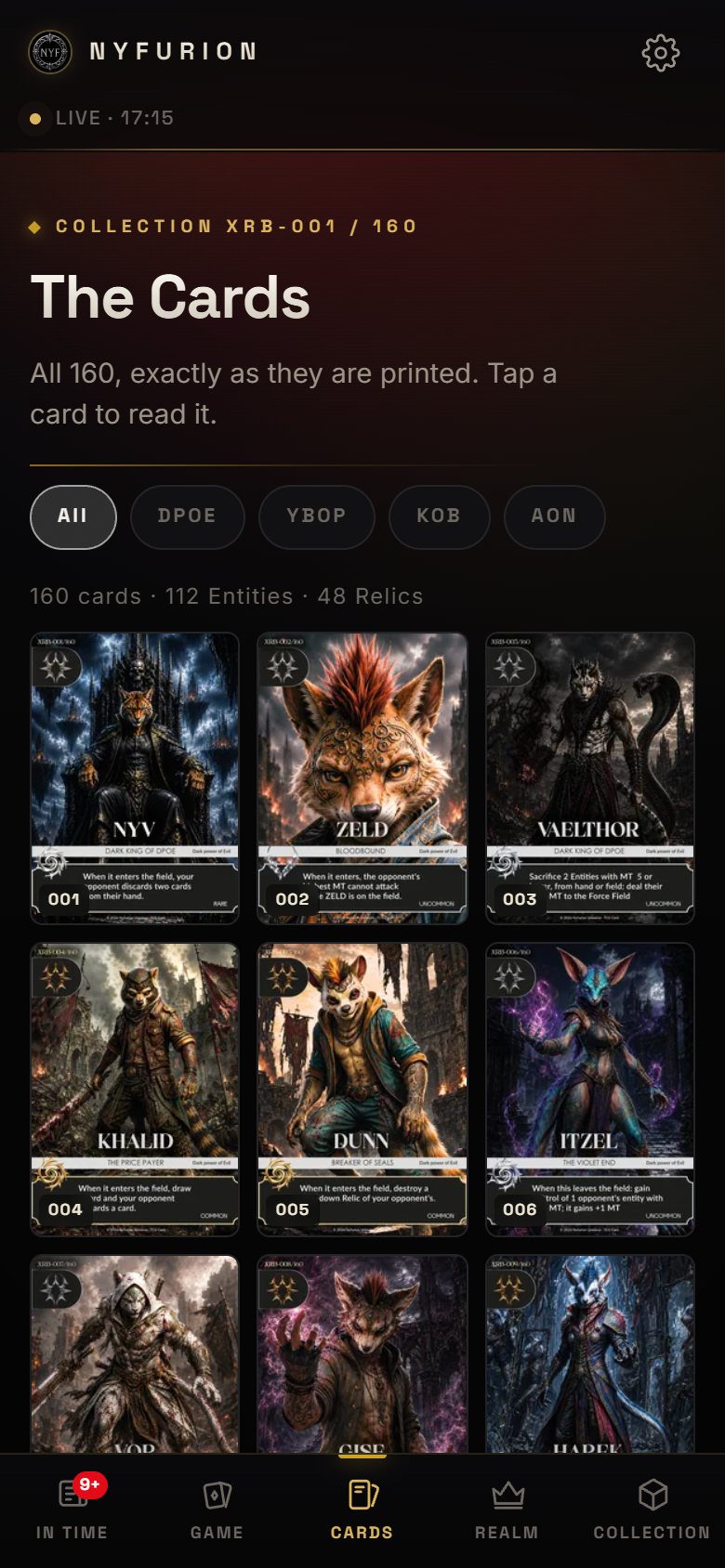
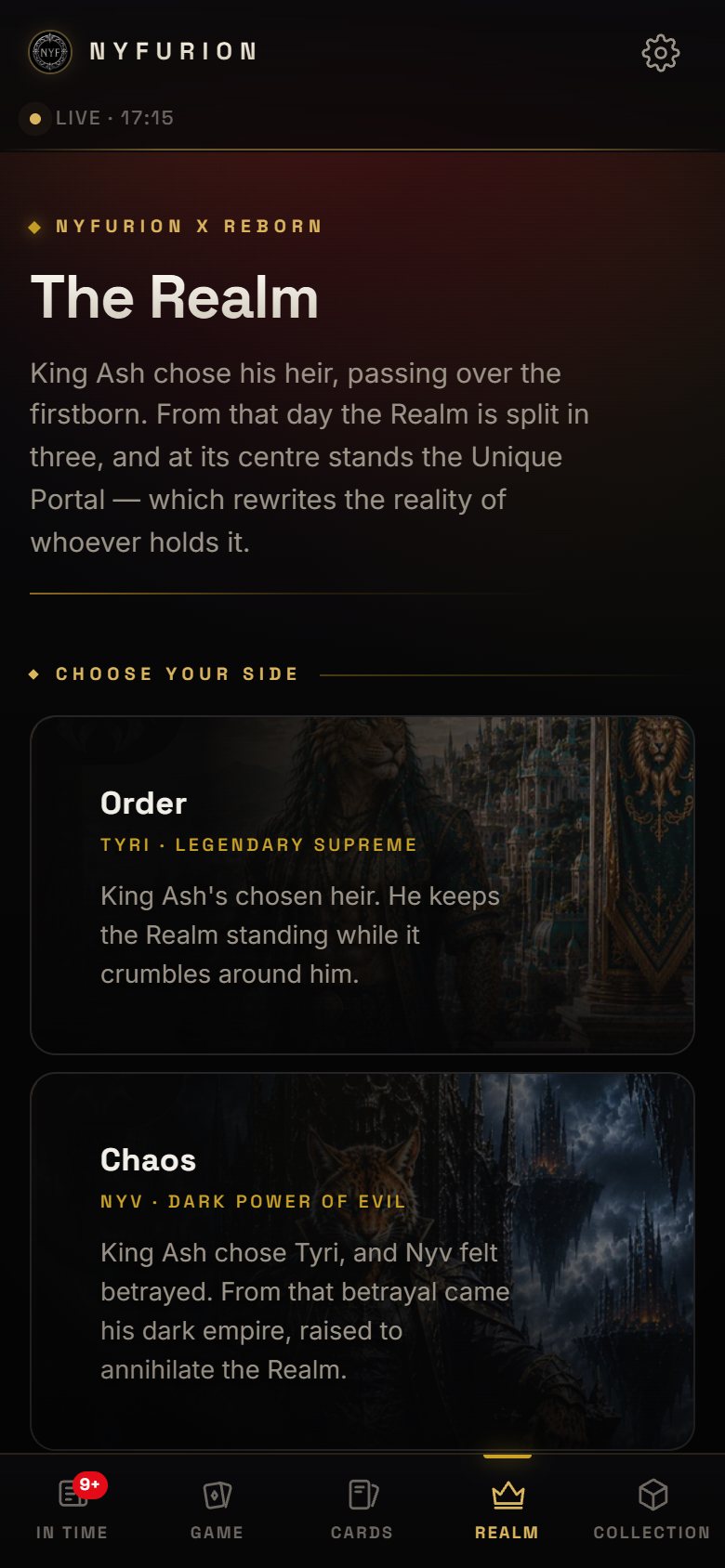
Dispatches the moment they happen, all 160 cards, the rules, the books and the collection. It works offline and it is free.

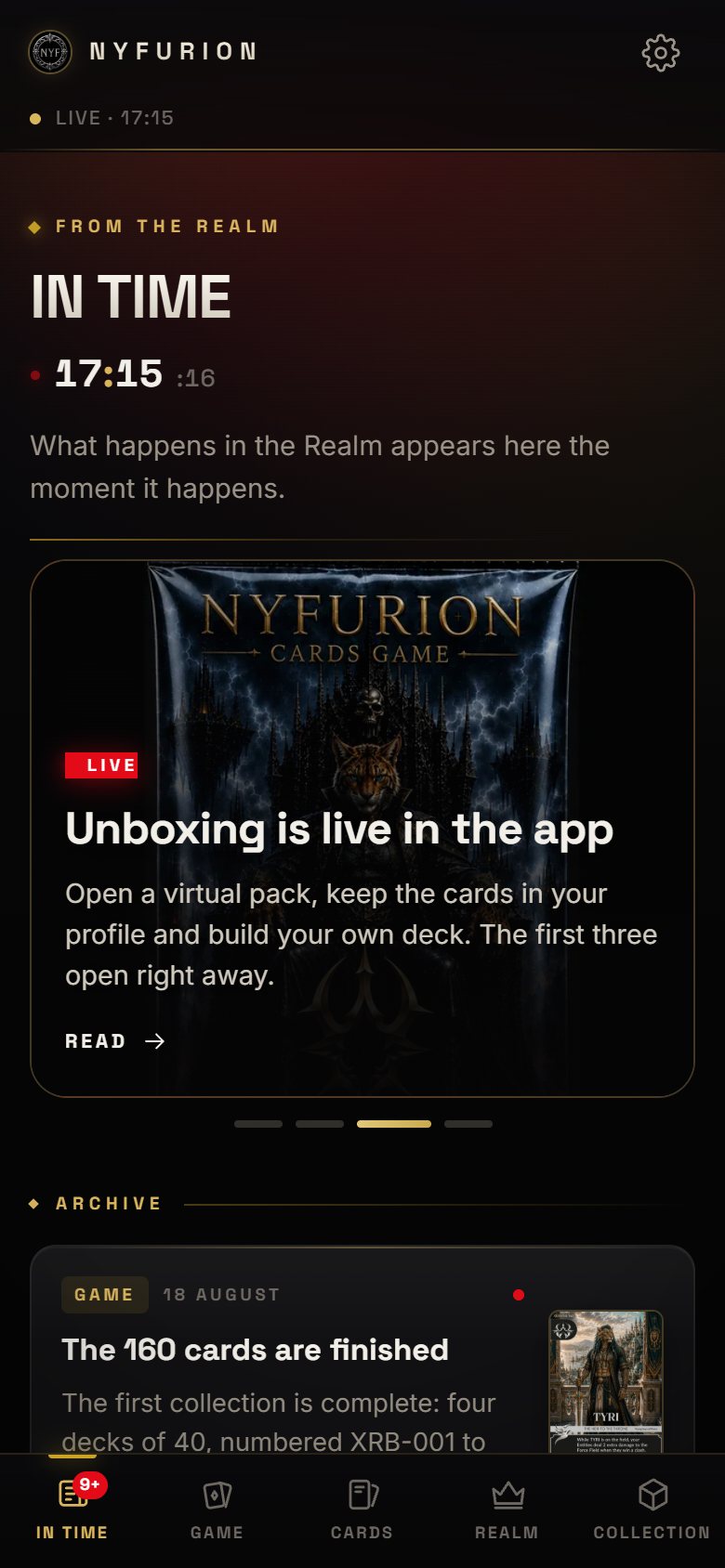
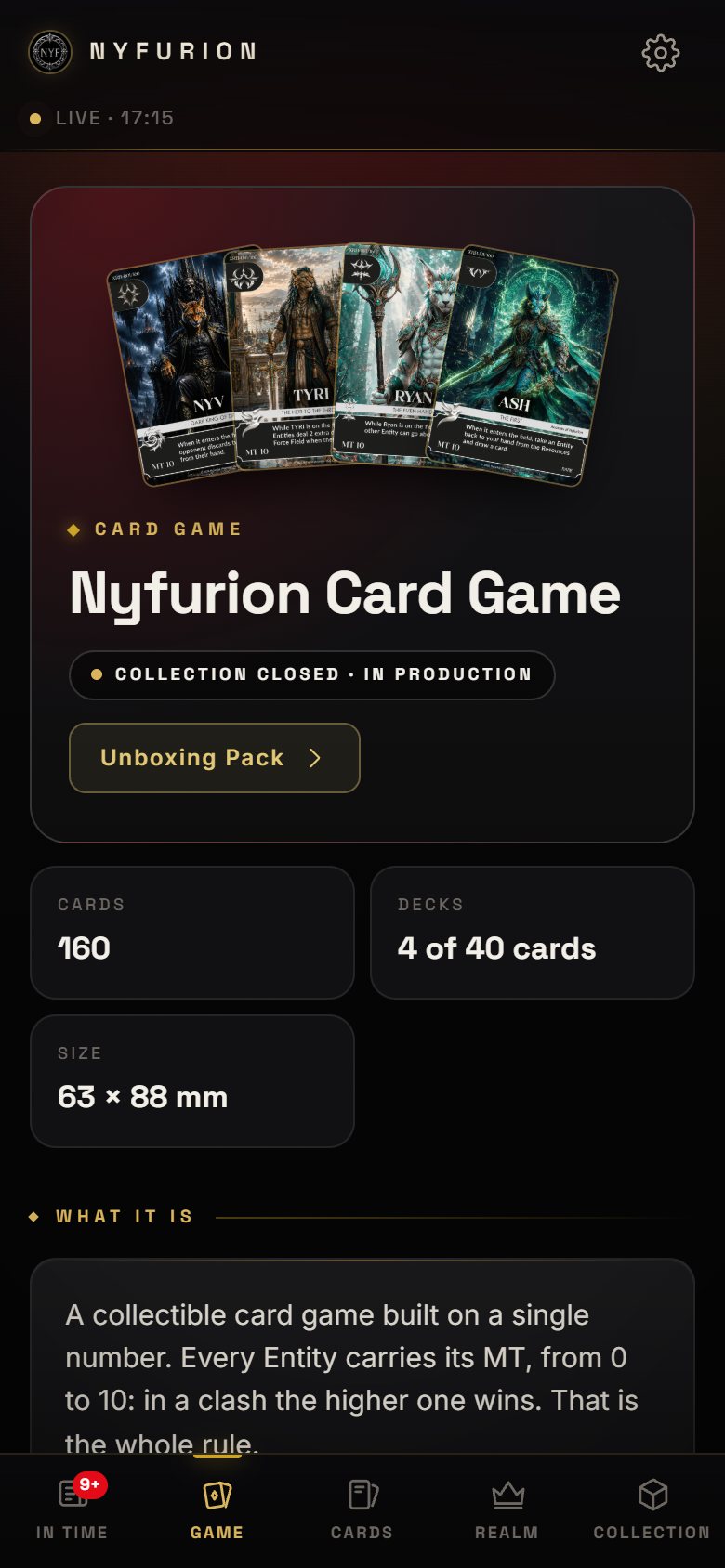
NyfurionOfficial app · Free
DispatchesIn real time
CardsAll 160
RulesBooklet included
BookRead in the app
Android

Android app

1.2.2 · 27 MB

Install it once. From then on the app tells you when a new version is out and updates itself, straight from here.

Download for Android
Direct download · no store required
Open the downloaded file.
Android will ask to allow installs from this source: accept, it happens only once.
Open the app and sign in to receive notifications.
iPhone · iPad · Computer

Web app

Nothing to download

The same app, installed straight from the browser. Once it is on your Home screen or desktop it behaves like any other app: its own window, full screen, works offline and updates on its own.

Press your device: the installation starts from there
Open this page in Safari or Chrome and press the button above. The app opens full screen.
Tap the Share icon — a square with an arrow pointing up. In Safari it sits in the bar at the bottom; in Chrome, tap the ⋮ menu first, then Share.
Scroll the list down to Add to Home Screen. It sits below the sharing options, and this is the step everyone misses. Then tap Add, top right.
The NYF icon appears among your apps. Open it from there and sign in with Google.
On iPhone the app must be added to the Home screen from the Share menu: Apple asks for that step, in every browser. Notifications work from there, with iOS 16.4 or later.

The app asks for no payment and contains no advertising. Sign-in is with Google and creates a free profile; email updates are a separate, optional choice. Privacy notice